One canvas, endless possibilities.
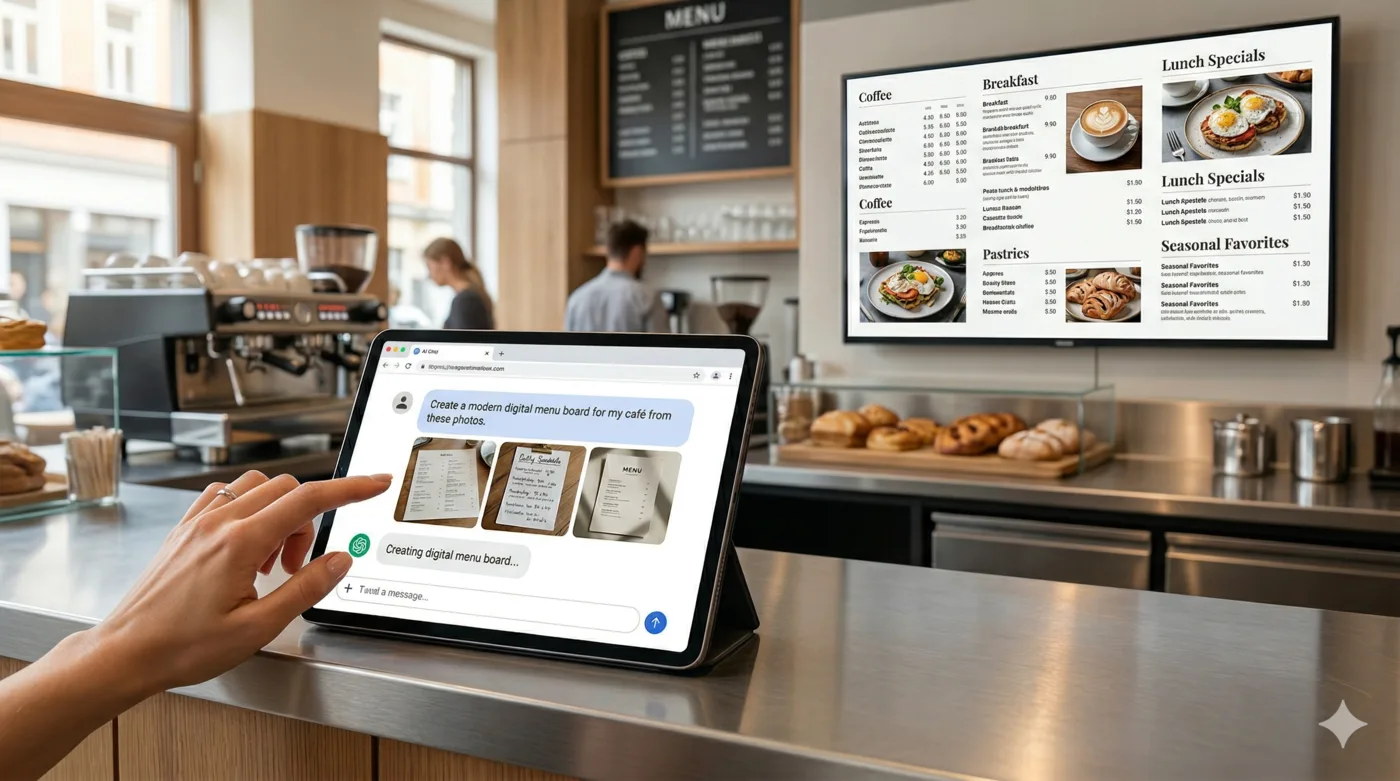
From idea to display – via chat.
Your content on your screen
agentView doesn't provide ready-made designs. You stay fully flexible. Tell your AI what you want to show – it designs it for you. We deliver it to your screens.
Gastronomy & Retail
Daily menu or offers on the TV. Let your AI design the perfect look for your menu or shop window. A dish is sold out? Simply adjust the display in seconds.
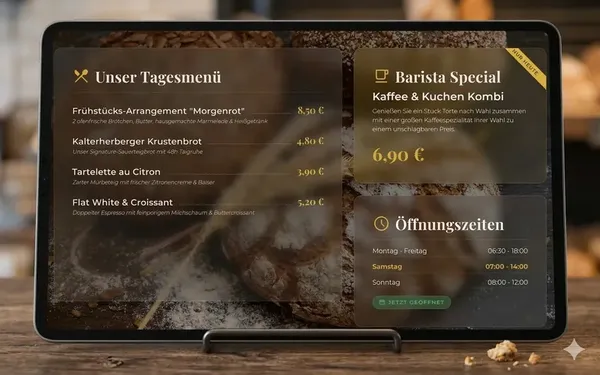 AI-generated image
Clinic & Waiting Room
Patient info directly on the screen. Waiting times, clinic info, announcements – your agent designs the overview. Always up to date, without laminated notes.
 AI-generated image
Reception & Front Desk
Welcome visitors professionally. Individual greetings, room occupancy, or event information. Your content, your design - visible instantly.
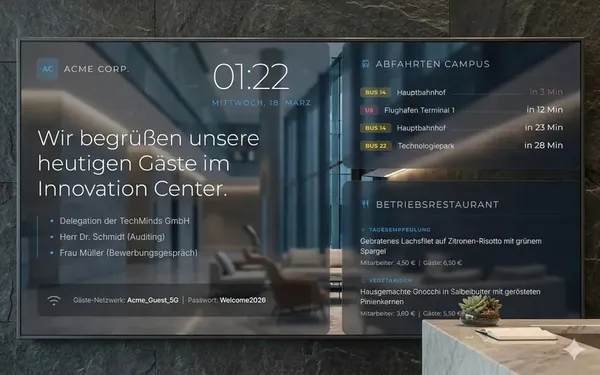 AI-generated image
Office & Team Dashboards
Keep goals and KPIs always in view. Let the AI build a live dashboard for sales figures, server metrics, or team news. Perfect for the large monitor on the wall.
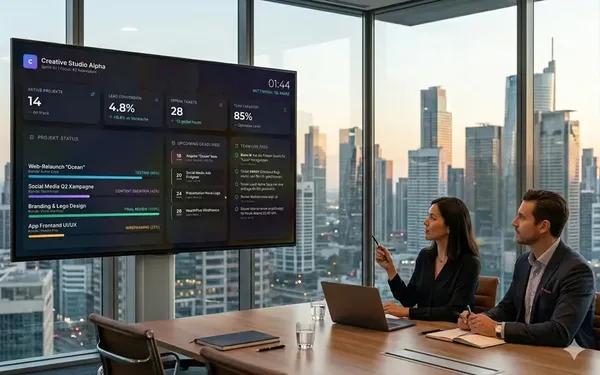 AI-generated image
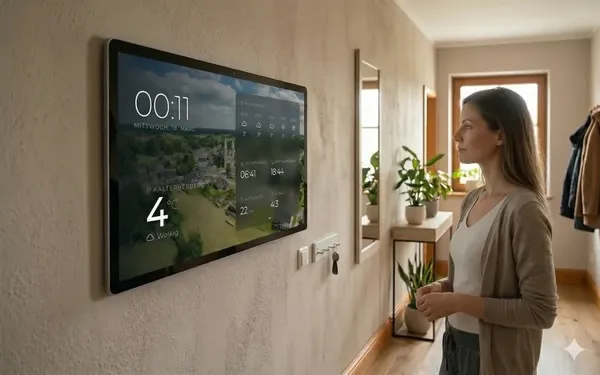
Smart Home & Home Lab
Your own dashboard on the wall. Weather, family calendar, or smart home stats - design your info center exactly how you need it.
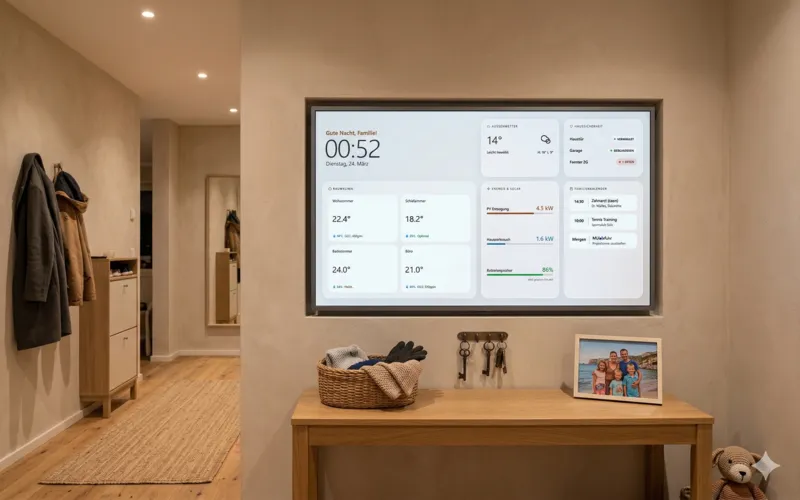 AI-generated image
Resellers & Agencies
Manage displays for customers. Multiple customers, dozens of screens? Manage everything centrally. The customers provide ideas, you run the infrastructure.
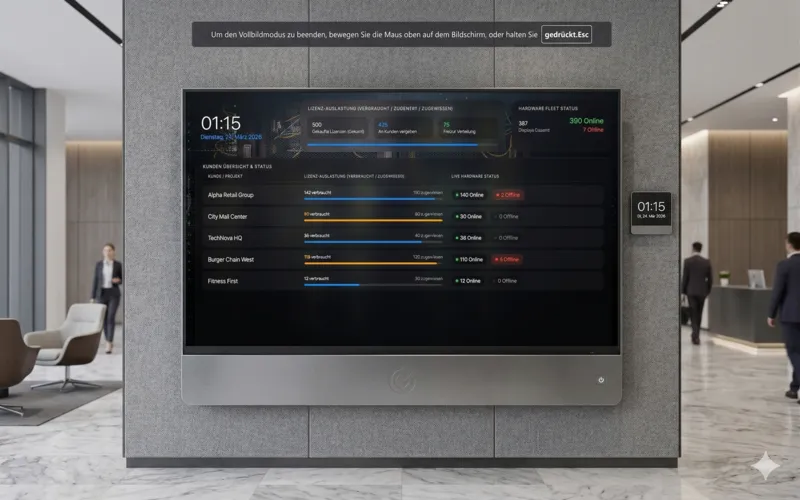 AI-generated image
It's that easy. Your first display in 5 minutes.
1. Start your display
2. Pair your display
Sign in to agentView, open "New display", enter a name and the pairing code, and click "Create display". Your screen is instantly linked to your account.
3. Send content
Ask your favorite chatbot to write a single-file HTML dashboard. In agentView, click "Send" on your display, switch to the "HTML" tab, paste the code and click "Send HTML now". Your display updates instantly.
1. Start your display
2. Connect your AI agent
3. Activate autopilot
Just tell the AI what you want to see (e.g. "Show me the current weather"). The agent generates the layout and updates your display automatically in real time!
MCP, API and Integrations
agentView is API-first. Connect your AI agents, workflows or custom tools via MCP or REST API. All documented, all open.
REST API
Use the classic REST interface for server-to-server communication, automation or custom dashboards. Full control over displays and content.
Show direct links
Model Context Protocol
Connect agentView directly with MCP-compatible AI clients like ChatGPT or Claude. The agent can search for displays, send content and control hardware.
Show direct links
Direct Send Paths
Send content via signed token URLs without interactive login. Ideal for IoT devices, automations or stateless integrations.
Show direct links
Scopes & Permissions
Full control over all permissions. No agent receives rights without consent, and the separation between content control and administration remains clearly traceable.
Show scope details
We distinguish between <code>content_only</code> (send & list) and <code>admin</code> (create & delete).
Delivery Model
Agent or automation delivers HTML, URL or payload-based content to agentView. The platform distributes it live to browser displays.
Show delivery details
AgentView is free to use.
Start instantly and connect unlimited displays.
- ✓ Unlimited displays
- ✓ Full AI integration via MCP (ChatGPT, Claude, etc.)
- ✓ 20 MB shared storage for HTML, CSS, images
Want to use it professionally for your business?
Remove the watermark, disable ads, and get extra storage for HD images.
- ✓ No watermark & ad-free
- ✓ +30 MB storage per license (cumulative)
- ✓ Ideal for HD images & graphics
-
- Where paid offers are available, sale and billing are carried out by Paddle.com Market Limited as reseller (Merchant of Record).
- The final prices shown at checkout, including any applicable VAT, are binding.
- Hardware such as Smart TVs, tablets, monitors, or mounts is not included.
- Base storage 20 MB; each Premium License adds 30 MB.